Adding funds to your TuLotero account is fast, simple, and secure, allowing you to manage your balance and stay ready for any upcoming draws. Whether you prefer paying with a card for instant access or using a bank transfer for larger deposits, TuLotero offers convenient options tailored to your needs. Below is a detailed guide on how to top up your account.
How to Add Funds to Your TuLotero Account
Method 1: Card Payment
Go to the Balance Menu
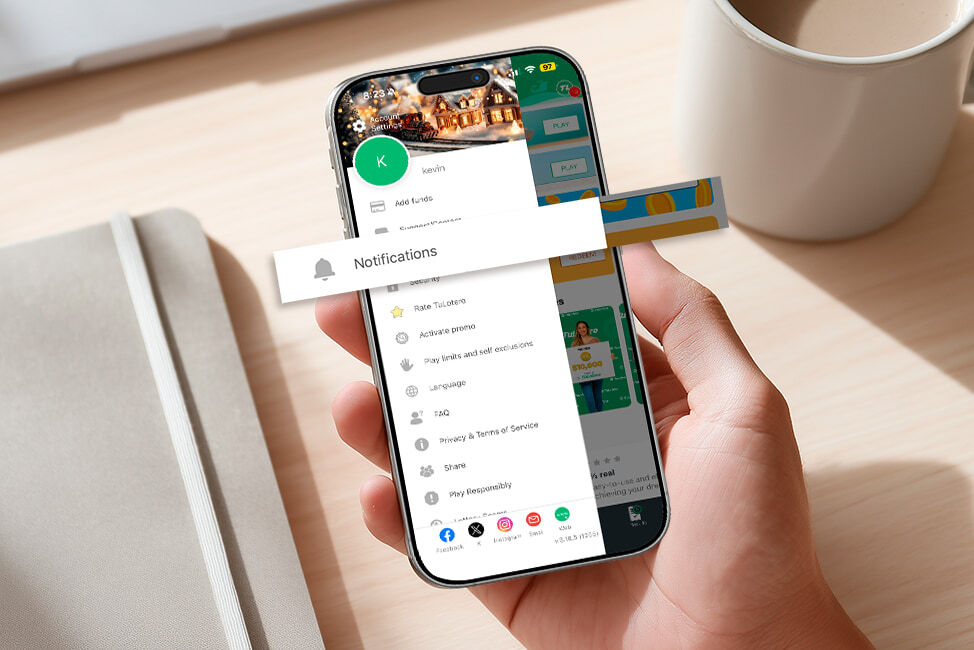
Log in to your account, open the main menu, and select “Balance”. Tap “Add” to begin the process.
Choose the Amount
Select the amount you want to deposit. You can choose from preset options or enter a custom amount. All card deposits are processed with no additional fees.
Add a Payment Method
Click “Add payment method” and select “Card payment”. Enter your card number, expiration date, and CVV code carefully to avoid errors.
Confirm the Deposit
Review all the details and confirm the transaction. The funds will appear in your TuLotero account instantly, allowing you to participate in draws without delay.

Method 2: Bank Transfer
Open the “Add Funds” Section
Just like with card payments, go to the “Balance” section and tap “Add”. Enter the amount you wish to load.
Select “Bank Transfer”
Under “Add payment method”, choose “Pay by bank”. A list of supported banks will appear—simply select your bank.
Complete the Transfer Through Your Bank
You’ll be redirected to your bank’s app or website to finalize the transfer. Make sure to follow all instructions to ensure a smooth process.
Processing Time
Bank transfers generally take 1–2 business days to process. Once the transfer is completed, your TuLotero balance will be updated automatically.
With your account funded, you’ll always be ready to join your favorite draws. TuLotero makes topping up your balance straightforward, whether you value speed, convenience, or larger deposits. Enjoy a seamless experience every time you add funds.
Related posts
You might also like…





Get the best Lottery App!
And join thousands of users who already enjoy the advantages of being able to get lottery from anywhere.